What My iPhone Air Battery Taught Me Over 6 Days
For the past week, I tracked my iPhone Air battery usage down to the hour and the app. The results surprised me. While I expected social media to be the biggest culprit, it turns out my work apps quietly drained more power than anything else.
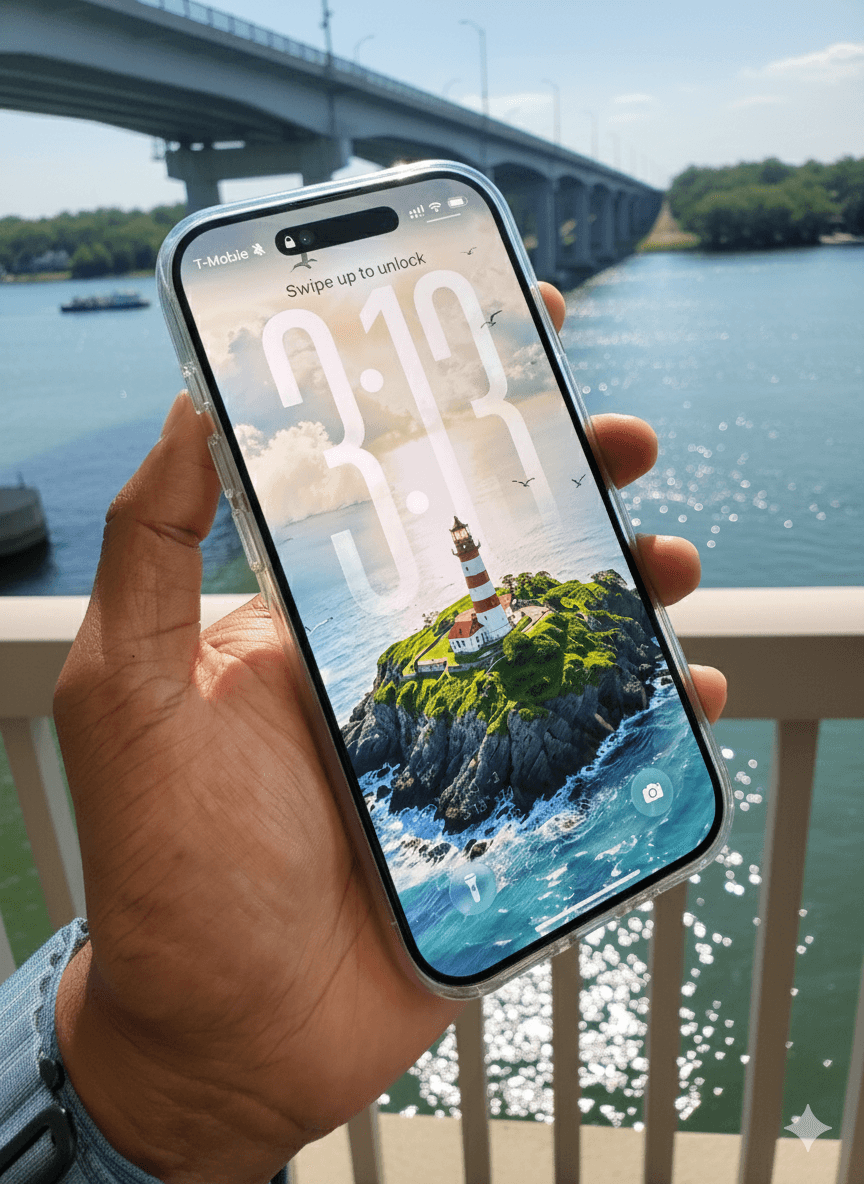
For the past week, I tracked my iPhone Air battery usage down to the hour and the app. The results surprised me. While I expected social media to be the biggest culprit, it turns out my work apps quietly drained more power than anything else.
Here's what I found.
The Daily Numbers
Over six days (Sept 20–25), here's how my iPhone stacked up:
- Average Battery Used: 136% per day
- Average Screen Time: 9 hours 17 minutes per day
- Peak Drain: Sept 23, at 168% battery (yes, more than 1.5 charges in a single day!)

Even on "lighter" days, I was blowing past a full charge. Charging midday was not optional. It was essential.

Work, Social, and General Apps
To make sense of where my battery was going, I grouped my apps into three categories: Work, Social, and General.
🧑💻 Work Apps (Teams, WhatsApp, Safari-for-work)
Teams was the surprise villain. In some cases, just a few hours of activity ate up 20–33% of total battery.
WhatsApp was another steady drain, especially with calls and media.
Takeaway: Even if I wasn't glued to the screen, work apps were quietly running down my phone in the background.
📱 Social Apps (Instagram, Facebook, LinkedIn)
Instagram was the least efficient app overall. Short bursts of usage cost more battery than expected.
Facebook and LinkedIn drained moderately, but consistently.
Takeaway: Social apps are "spiky." They punish the battery even in small doses.
🌐 General Apps (Safari, system)
Safari carried a heavier battery tax than I thought. Media-heavy browsing sessions added up.
System processes and other utilities kept my baseline drain high, even on days when my screen time was modest.
Takeaway: Safari behaves like a hybrid. Not as bad as Teams, but not light either.
Patterns and Insights
- Work apps drive the baseline. They ensure I never dip below about 125% daily drain, even on light days.
- Social apps add inefficiency. They drain disproportionately compared to time spent.
- General apps keep the floor high. Safari and system-level processes maintain a heavy background load.
- Battery scaling is non-linear. Once I crossed about 9 hours of screen time, drain jumped disproportionately (140–168%).
What's Next
This left me wondering: will apps like Microsoft Teams ever get optimized for efficiency on devices like the iPhone Air? Or are we destined to keep carrying chargers to keep up with the way these tools are built?
I'll dive deeper into that question in Part 2 of this series, where I'll look at app-by-app efficiency and what that means for productivity, not just battery life. And also the latest battery packs/power banks that make life easier.
Stay tuned.