The case for HTML over Markdown
Product documents can do more than describe the work. These four examples let you filter requirements, inspect dependencies, compare competitors, and see a metric’s trend.
The question
What changes when a product document becomes something a reader can use, as well as read?
The outcome
Four working HTML examples: a PRD, roadmap, competitive landscape, and weekly update, each with controls for exploring the detail.
Why it matters
The format can help readers answer their own questions. The trade-off is more code to generate and maintain, so the interaction needs to earn its place.
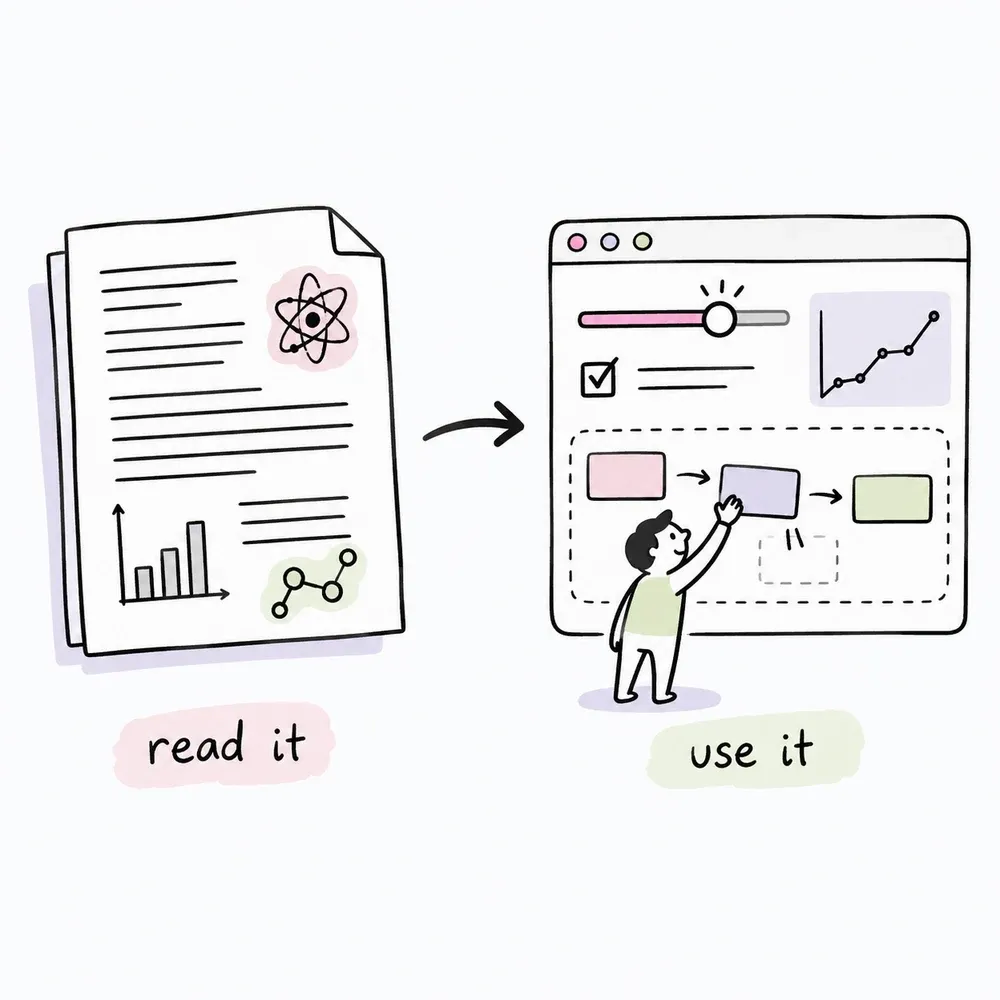
Most product docs are Markdown: straightforward to write, review, and version. HTML becomes useful when the reader needs to change the view. A priority filter can turn one PRD into a focused build review; a dependency view can make a roadmap easier to question.
These examples were produced by an agent from the same source material. Each includes its own core styling and JavaScript. The site adds a shared notebook theme; the documents’ core interactions do not need a server or a build step.
Inspired by Thariq Shihipar’s The unreasonable effectiveness of HTML.
Specs & PRDs
A requirements document you can filter. Toggle a priority and the requirements, stories, and metrics reflow to match, so a build review and a scope cut can use the same file.
Prescription Decoder
The example covers an OCR and AI prescription-label translator. Filter by P0, P1, or P2, switch between list and board views, and expand questions and scope details inline.
Planning & roadmaps
A timeline you can question. A flat list of milestones hides what depends on what; selecting a milestone can reveal its owner, status, and dependencies.
Hash Health roadmap
Five quarters across Product, Platform, Growth, and Fundraising. Filter to a workstream or switch to a milestone list. The dates and milestones are illustrative.
Competitive intelligence
A landscape you can sort. A capability matrix and a positioning map make comparisons visible without asking readers to work through a wall of tables.
Competitive landscape
Ten illustrative platforms across nine capabilities. Search by name, sort by threat or funding, and focus on differentiators. The positioning map compares patient control with data breadth.
Reporting & status
A status update that shows the trend. A number tells you where you are; a sparkline helps show where you are headed.
Weekly status
Four headline metrics with eight-week trends, workstream progress, blockers ranked by severity, and a split between wins, risks, and next steps. Expand or collapse the workstreams together.
The cost of a useful document
HTML takes more tokens to produce than flat Markdown. Inline styles and scripts make a document portable, but an agent can end up emitting the same boilerplate for every file and every edit.
Choose the structure based on how the document will live:
| Approach | What changes | Best fit |
|---|---|---|
| Inline everything | CSS, JavaScript, and content travel together in one file. | One-off artifacts you hand to someone. |
| Shared styles and scripts | Documents share assets; the assets must travel with them. | A library of documents in one repository. |
| Data and a render template | The content changes while the rendering logic stays reusable. | Repeated roadmaps and status reports. |
Keep the work small
- Share the common styling. A library should not repeat the same stylesheet in every document.
- Share repeated behavior. Filters, detail drawers, and reading progress can use common code.
- Separate data from markup. The roadmap and competitive matrix already use data arrays and render functions.
- Edit rather than regenerate. A changed requirement should be a small patch, followed by a check of the affected behavior.
A document that leaves the repository may need to stay self-contained. A document that lives alongside its neighbors can share assets. Use the format that makes the reader’s task easier and the next edit manageable.